You deleted a chat, or someone unsent one, and now you need it back. Instagram has no trash folder for DMs, but a few real methods can still help.
Instagram now has 3 billion monthly users, and DMs are one of its biggest features. Below, you’ll learn how to see deleted messages on Instagram, what works, and what to skip.
Table of Contents
Can You See Deleted Messages on Instagram?
Not directly. Instagram has no “recently deleted” folder for chats, so a deleted message does not simply come back. But your Instagram data, your email and the other person’s phone can still hold a copy.
How each type behaves:
| Message type | Can you get it back? | Best option |
|---|---|---|
| Message you deleted | Sometimes | Data download, email, other device |
| Message the sender unsent | Rarely | Email, notification history |
| Vanish Mode message | No | Nothing reliable |
| Hidden or filtered chat | Yes | Hidden Requests folder |
When you delete a chat, it only leaves your inbox. The other person may still see it. Messages also leave your own chat thread when someone unsends them.
Instagram says deleted data can take up to 90 days to leave its backup systems, per its Privacy Policy. You cannot reach those backups yourself.
Vanish Mode is built to erase messages once the chat closes. Instagram also alerts the other person if you screenshot in that mode.
🔥 MUST VISIT
250+ Heartfelt Mother’s Day Card Messages for Wife to Make Her Feel Loved, Appreciate & Cherished
Explore Now →7 Easy Methods to See Deleted Messages on Instagram
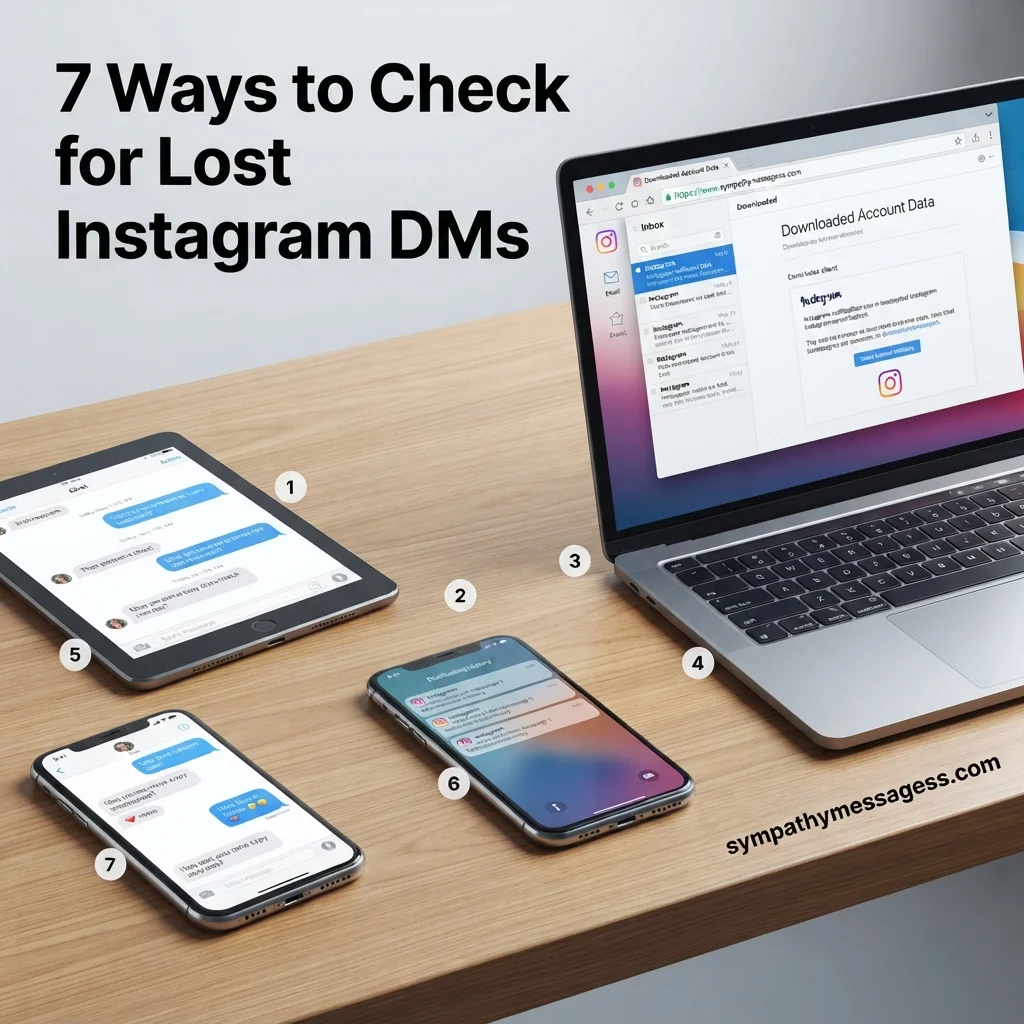
These methods are free and safe. They work on iPhone, Android and desktop. Start at the top. They are ordered from most to least likely to work.
First, download your Instagram data. Open Settings, then Accounts Center. Tap Your information and permissions, then Download your information. Pick Messages, a date range, and HTML or JSON. Instagram emails you a link. Search the file for the chat. This works best for recent messages, and the file may not include chats you already deleted. See Instagram’s data download help page.
Second, check your email. If Instagram email alerts were on, a copy of the message text may sit in your inbox. Search for your friend’s name or the word “Instagram”. Try your spam folder as well.
Third, check your phone’s notification history. On Android 11 and newer, open Settings, then Notifications, then Notification history. The log must be on before the message arrives. iPhone has no real history, only recent alerts in Notification Center.
Fourth, try another logged-in device. An old phone, tablet or browser may still show the chat. Open it without refreshing and read fast. The chat usually disappears once the app syncs. Don’t count on this one.
Fifth, ask the other person. They may still have the chat and can screenshot it. A short, polite note works best.
Hey, I deleted our chat by mistake. Could you send me a screenshot of what we said about this?
Hi! I lost some of our messages. Do you still have them? A quick screenshot would help a lot.
Sixth, check Message Requests and Hidden Requests. Many “deleted” chats were just filtered. Open your DMs, tap Requests, then look at Hidden Requests. Messages from people you don’t follow often land here.
Seventh, contact Instagram Support. Go to Settings, then Help, then Report a problem. Instagram rarely restores deleted DMs. Still, support can fix glitches and explain your options. Lawyers and police can use formal legal requests for message data.
Hello, I lost direct messages in my account after a deletion. Can you tell me if any recovery option exists for my account?
Why Third-Party Apps Won’t Recover Deleted Instagram DMs

Do recovery apps work? Almost never. Tools that promise one-click recovery cannot reach Instagram’s servers. Most just ask for your password.
Risks to know:
- Stolen logins and phishing
- Malware hidden in “recovery” downloads
- Account bans for sharing your password
- Paid plans that deliver nothing
Secret monitoring apps and spyware add legal trouble. Reading someone else’s messages without consent can break the federal Wiretap Act and the Stored Communications Act, plus state laws. This is not legal advice. Talk to a lawyer if it affects you.
If you already tried a risky app, change your password now. Turn on two-factor authentication. Then review the devices logged in to your account.
To avoid losing chats again, screenshot key messages. Run a data download every few months. Keep email alerts on for important contacts.
🔗 SEE ALSO
250+ Praying for You Messages to Send When Someone Needs Strength, Hope & Comfort 🙏❤️
Explore Now →FAQs
Can you see deleted messages on Instagram?
Not inside the app. Instagram has no recycle bin for DMs. You can sometimes find copies through your data download, email alerts, notification history or the other person’s chat.
How can I recover deleted Instagram messages?
Start with a data download from Accounts Center. Then check your email and notification history. Look in Hidden Requests. Ask the other person for a screenshot. If nothing works, contact Instagram Support.
Can deleted Instagram DMs be restored?
Rarely. Instagram does not offer a restore button. Messages from filtered chats can reappear in Hidden Requests, and the other person may still have the thread. Vanish Mode messages cannot be restored.
Does Instagram keep deleted messages?
Briefly. Instagram says deleted data can remain in backup systems for up to 90 days. You cannot access those backups. Only legal requests may reach them.
Conclusion
You can’t undo a deleted DM inside Instagram. But you can still try a data download, your email, other devices and the other person’s copy.
Skip third-party recovery apps. They put your account and privacy at risk. Start with the first method today.

Timmy Ehtisham is the founder and lead content writer at Sympathy Messages, where he creates thoughtful, heartfelt, and meaningful messages for life’s most important moments. With a passion for helping people express their emotions through words, Timmy specializes in writing sympathy messages, condolences, wishes, greetings, quotes, captions, and puns that are both sincere and easy to personalize.