You send a text, and it lands in a green bubble instead of the blue one you expected. Your first thought is probably “did that even go through?” or worse, “am I blocked?”
Take a breath. A green message almost always has a simple, technical explanation. Below, you’ll find the exact reasons this happens and how to fix it. “Why Are My Messages Green?“
Table of Contents
What Does a Green Message Mean
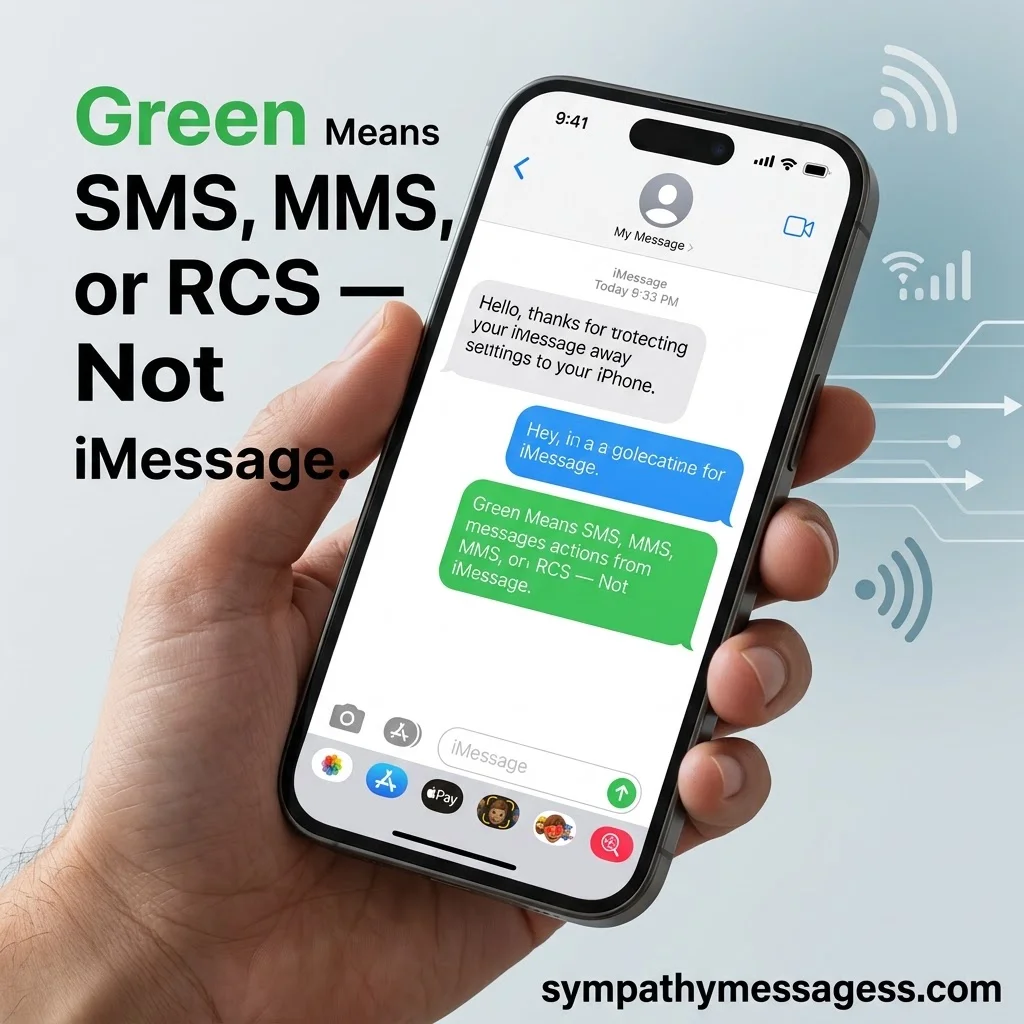
A green text message means your phone sent the message as SMS, MMS, or RCS instead of iMessage. Blue means Apple’s own messaging system was used. Green means a different, more universal system carried your text.
This color switch is not random. Your iPhone automatically checks whether the other person can receive an iMessage. If it can’t confirm that, it falls back to a standard text protocol, and the bubble turns green.
Here’s the part most guides skip: not every green bubble is old-school SMS anymore. Apple added support for RCS (Rich Communication Services) in iOS 18, released in 2024. That means a green message today might still carry read receipts and typing indicators, even though it’s not iMessage. The color hasn’t changed, but what’s happening behind it has.
🔗 MUST VISIT
250+ Encouraging Messages for Her to Inspire Strength, Confidence & Hope
Explore Now →Common Reasons Your Messages Are Green
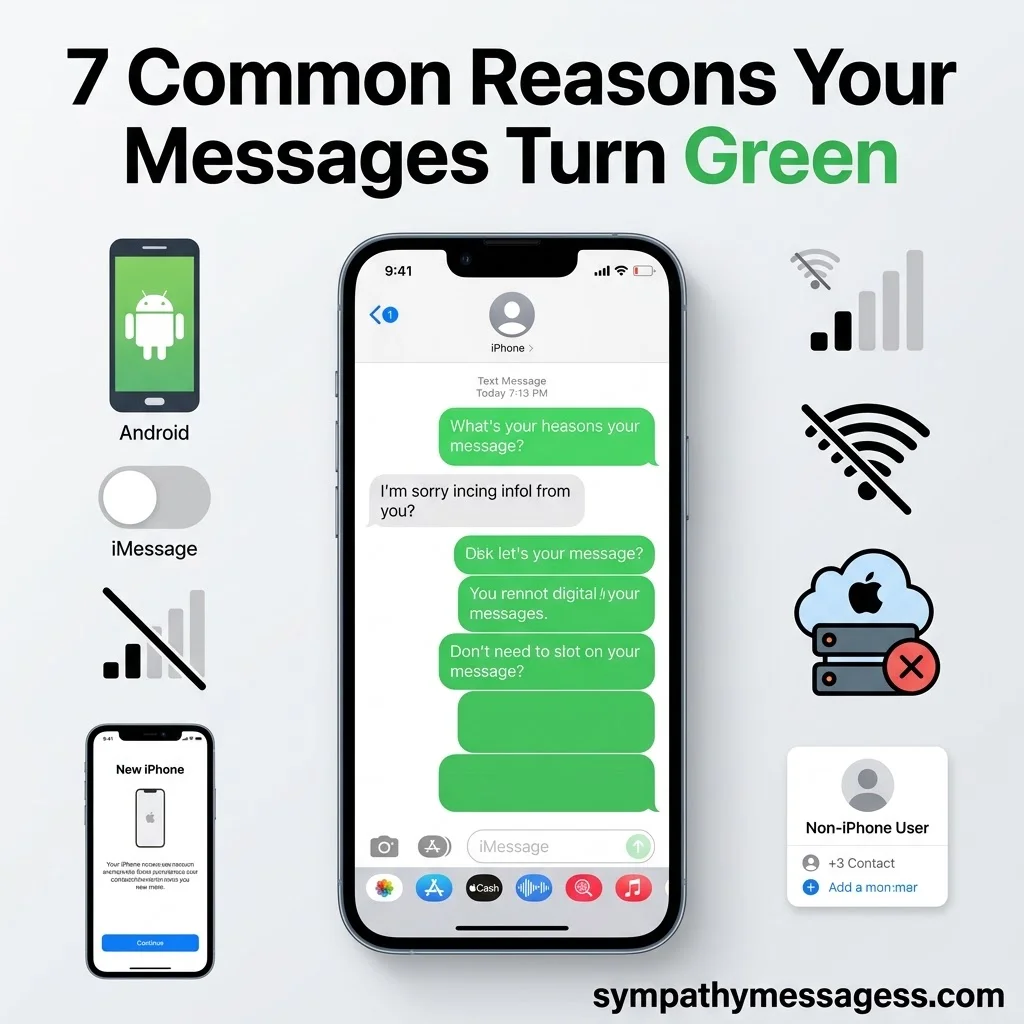
Green texts almost always trace back to one of these seven causes.
The Recipient Doesn’t Use an Apple Device
This is the number one reason. iMessage only works between Apple devices — iPhone, iPad, and Mac. If you’re texting someone on an Android phone, your iPhone has no choice but to send the message as SMS or RCS, and it will show green every time. This isn’t a bug. It’s expected behavior.
iMessage Is Turned Off on Your iPhone
Sometimes the setting gets switched off, often by accident during a software update or a settings reset. When iMessage is off, your phone treats every contact like a non-Apple user, so all your texts turn green, even to other iPhone owners.
iMessage Is Turned Off on Their iPhone
The same rule works in reverse. If the person you’re texting has iMessage disabled on their end, your messages to them will appear green, even though you’re both using iPhones.
You or They Have No Internet Connection
iMessage runs on Wi-Fi or cellular data. SMS runs on your cellular network alone. If either phone loses its internet connection, even briefly, the message drops to SMS and shows green. Once the connection returns, new messages usually go back to blue.
iMessage Server Outage
Apple’s messaging servers occasionally go down for maintenance or unexpected issues. When that happens, iPhones automatically fall back to SMS so your message still gets delivered. You can check Apple’s System Status page to confirm if this is the cause.
You Just Set Up a New iPhone or Number
New devices sometimes need a few minutes, or a manual toggle, before iMessage fully activates. If you recently switched phones, changed your SIM, or got a new phone number, your texts may show green until the setup finishes syncing with Apple’s servers.
Wrong Contact Info Is Saved
This one gets overlooked constantly. If your recipient’s phone number or Apple ID email is entered incorrectly in your contacts, or doesn’t match what they’ve registered with iMessage, your phone won’t recognize them as an iMessage user. The fix isn’t a settings toggle, it’s fixing the saved contact info itself.
Green Text vs Blue Text: iMessage, SMS, MMS and RCS Explained
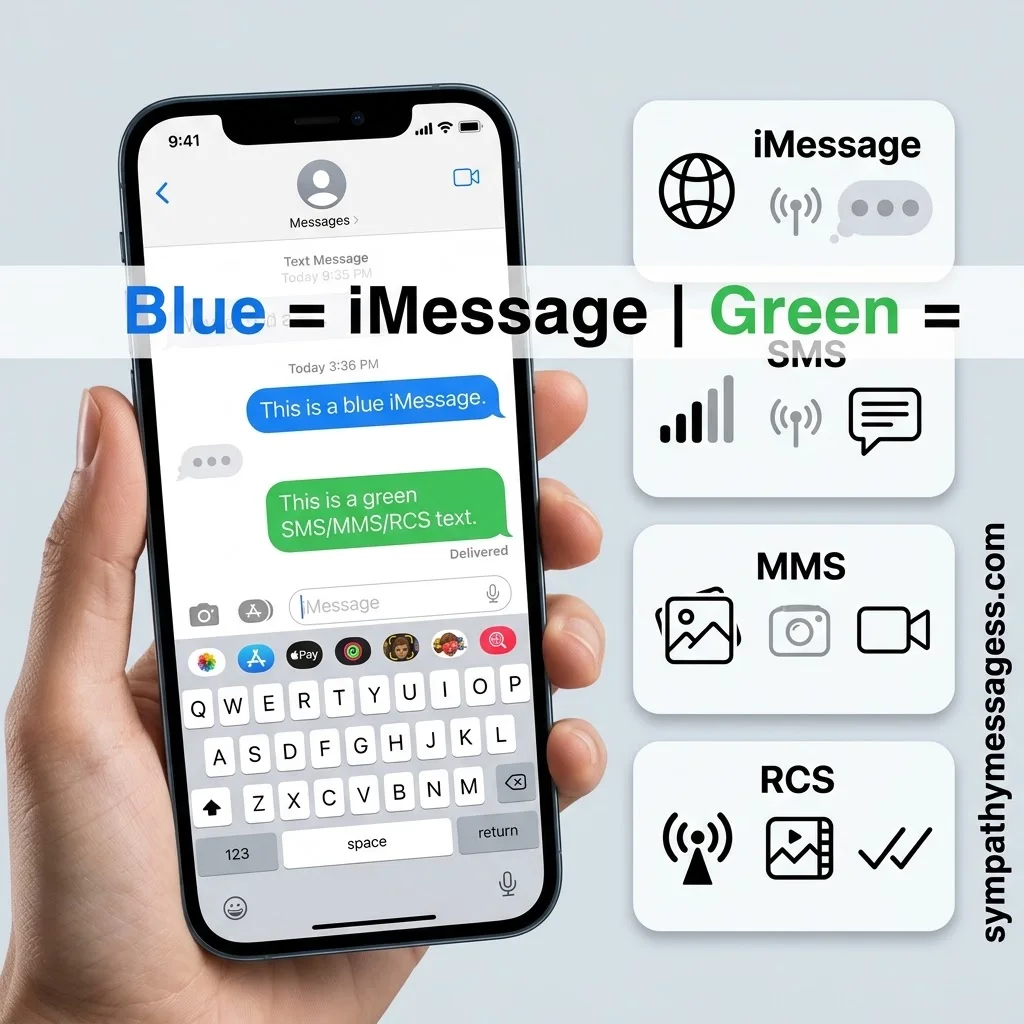
These four terms get used interchangeably, but they’re not the same thing.
iMessage is Apple’s own service. It requires internet access and offers end-to-end encryption, meaning not even Apple can read your messages in transit.
SMS stands for Short Message Service. It’s the original texting format, dating back to the early 1990s, and it runs entirely over cellular signal with no internet needed.
MMS, or Multimedia Messaging Service, is SMS’s cousin, built to carry photos, videos, and group texts.
RCS, Rich Communication Services, is the newest of the three. It’s an industry-wide standard, backed by the GSMA, designed to bring iMessage-like features, read receipts, typing indicators, higher-quality media, to standard texting between different phone brands.
Here’s the practical difference: iMessage is private and feature-rich but Apple-only. SMS is universal but basic and unencrypted. RCS tries to close that gap for everyone else. All three of the non-iMessage options render as green on an iPhone, no matter which one is actually being used.
How To Turn Green Messages Back To Blue
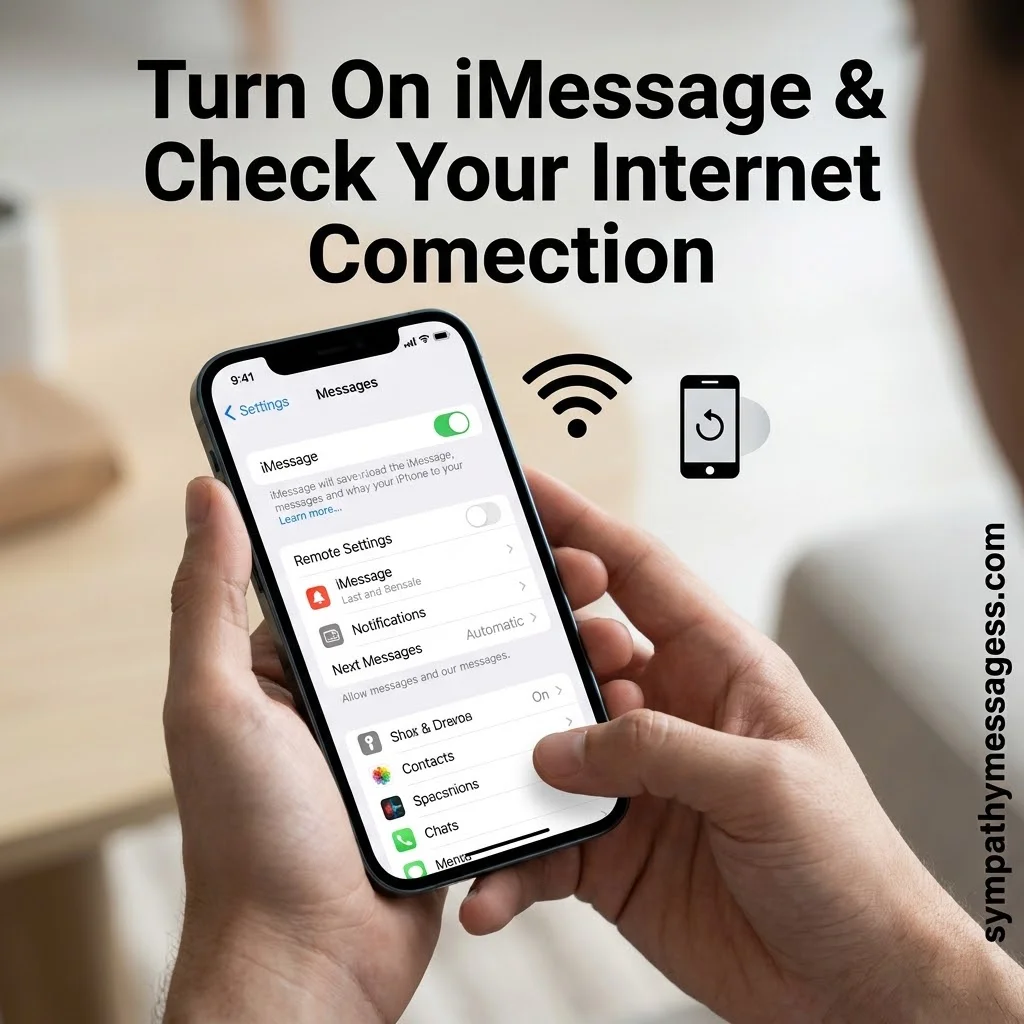
If both you and your contact have iPhones, green messages are almost always fixable.
Start with the basics. Open Settings, tap Apps, then Messages, and make sure the iMessage toggle is switched on. If it’s already on, turn it off, wait ten seconds, then turn it back on to force a fresh connection to Apple’s servers.
Next, confirm your internet connection. iMessage won’t activate without Wi-Fi or cellular data, so check that either one is working properly.
If the toggle and connection both look fine, restart your iPhone. A simple restart clears out temporary glitches that can block iMessage from registering correctly.
Still stuck? Check that your iOS software is up to date, and confirm the correct phone number or Apple ID is listed under Settings, your name, then Messages.
One important reality check: if the other person is on an Android phone, no amount of troubleshooting will turn that bubble blue. iMessage simply isn’t available on non-Apple devices, so the green color is correct and expected.
🔗 SEE ALSO
250+ Heartfelt Happy Birthday Messages for Son to Make His Special Day Unforgettable
Explore Now →Common Green Message Scenarios
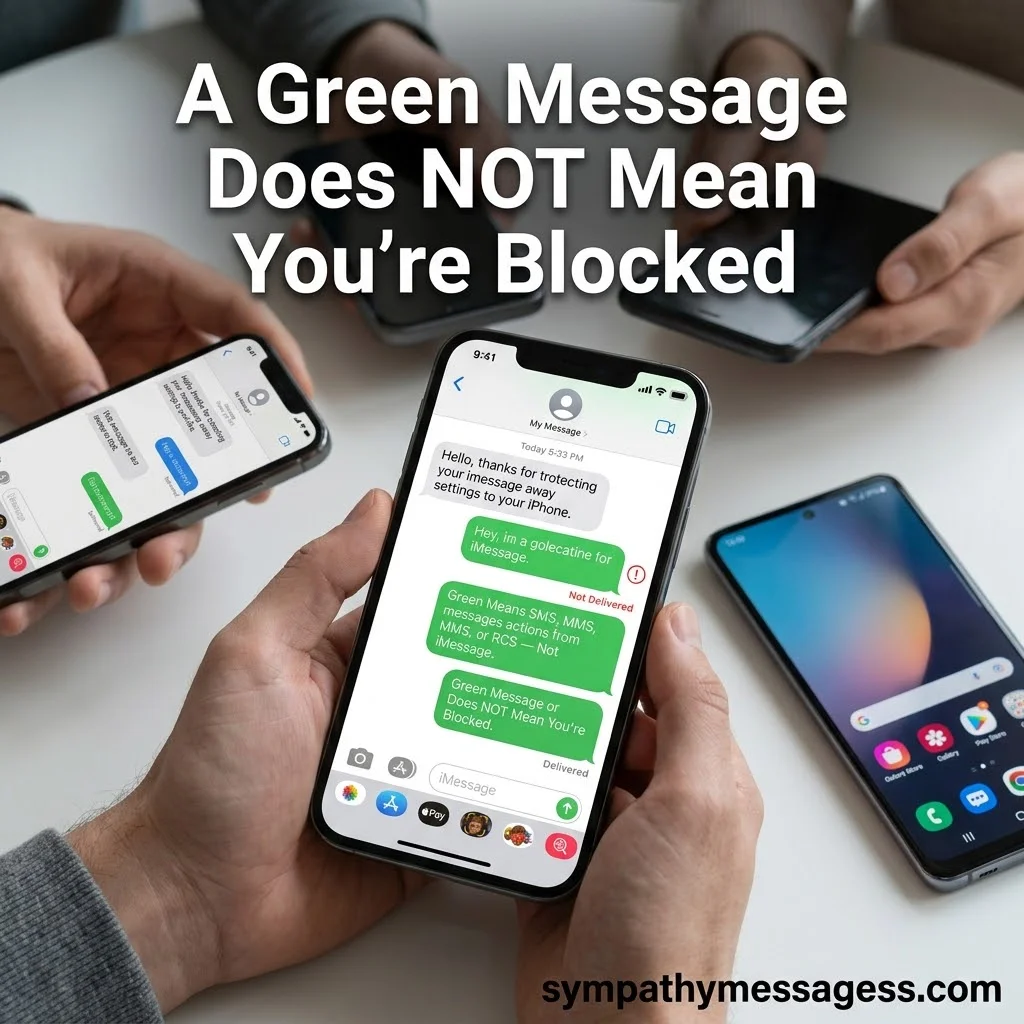
A few situations confuse people more than others, so it’s worth addressing them directly.
In a group chat, if even one member is using a non-Apple device, the entire conversation drops to SMS or RCS, and every bubble turns green for everyone involved.
If messages are green for only one contact, the issue is almost certainly on their end, not yours. Either they’re on Android, or iMessage is disabled on their device.
If a green message shows a red exclamation mark and won’t send, that usually points to a lost internet or cellular connection, not a blocked contact.
And here’s the myth worth putting to rest for good: a green message does not mean you’ve been blocked. Blocking looks completely different. A blocked contact’s messages appear to send normally but are never delivered, there’s no “Delivered” status, calls go straight to voicemail, and you’ll never see a read receipt again. A green bubble, by contrast, still delivers your message, just through SMS, MMS, or RCS instead of iMessage.
FAQs
Why are my messages green instead of blue?
Your message is being sent through SMS, MMS, or RCS instead of iMessage. This usually happens because the recipient isn’t using an Apple device, iMessage is turned off, or there’s no internet connection available.
What does a green message mean on iPhone?
It means the text left your phone using a standard cellular texting protocol rather than Apple’s iMessage service. The message still sends and delivers normally, it just uses a different, more universal system.
Does a green text mean I’m blocked?
No. Blocking prevents delivery entirely and removes read receipts, delivery confirmations, and typically sends calls to voicemail. A green text still delivers successfully, it just isn’t traveling through iMessage.
Why did my iMessage suddenly turn green?
This is usually caused by a lost internet connection, an iMessage server outage, or the setting accidentally getting switched off, often after an iOS update or a new device setup.
Conclusion
Green messages aren’t a warning sign, they’re just information. They tell you exactly how your text traveled and why. Once you know the seven reasons behind it, a green bubble stops being a mystery and becomes just another normal part of texting.

Timmy Ehtisham is the founder and lead content writer at Sympathy Messages, where he creates thoughtful, heartfelt, and meaningful messages for life’s most important moments. With a passion for helping people express their emotions through words, Timmy specializes in writing sympathy messages, condolences, wishes, greetings, quotes, captions, and puns that are both sincere and easy to personalize.